Microsoft Teams
Making meetings more expressive and human — non-verbal reactions and a rebuilt screen-sharing experience for one of the world's largest collaboration platforms.
- Company
- Microsoft
- Role
- Senior Product Designer
- Sector
- Enterprise collaboration
- Platforms
- Desktop, Web, Mobile
Overview
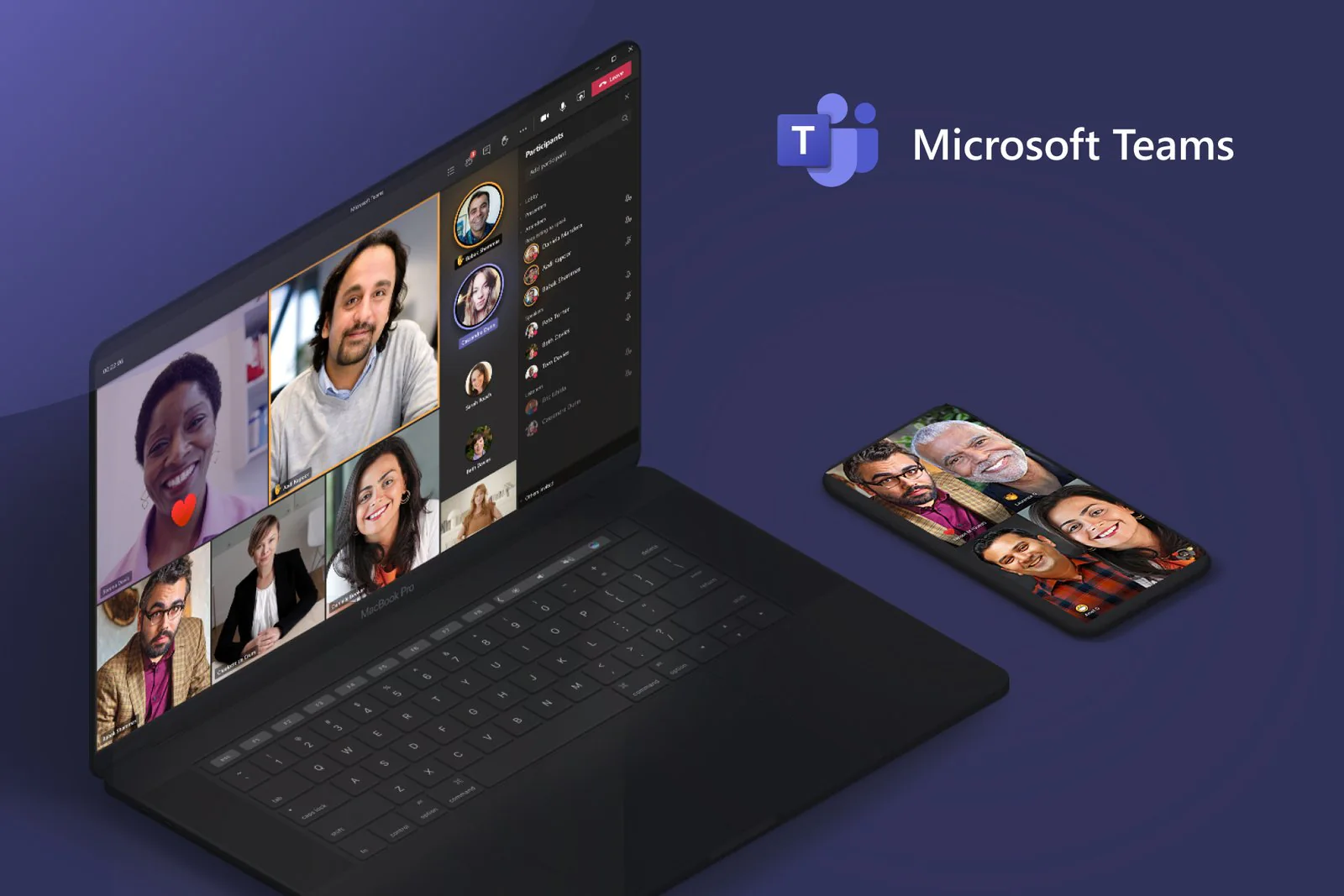
Microsoft Teams is the workspace for real-time collaboration in organizations — chat, meetings, file and app sharing, and even the occasional emoji.
At Microsoft I designed for Teams and Skype across desktop, web and mobile, working closely with UX researchers, product managers, engineers, illustrators and copywriters.
Meeting reactions & expressions
Non-verbal feedback for meetings: respond without interrupting the speaker. More expressive, more inclusive, more human.
- Raise hand — ask to speak without cutting in.
- Like, love, applause, laugh — on the sender's own tile.
- Shown in the gallery, in Together mode and over a presented deck.
Screen sharing, redesigned
I redesigned the whole screen-sharing flow — more intuitive, and deeply integrated with Office apps like PowerPoint and Word.
- One tray: desktop, window, Whiteboard, content camera or a recent file.
- Decks open in the meeting, with slide thumbnails and presenter notes.
- New: attendees present the deck and manage the session together.
orkun@buran:~$ contact --now
Let's get in sync.
Bring the intent. I'll take it from prompt to production — with you in the loop.