BLE Locking
A new design system, web dashboard and iOS & Android apps for a smart digital key startup from Tallinn.
- Company
- BLE Locking
- Role
- Product Designer
- Sector
- Smart access · Startup
- Platforms
- iOS, Android, Web
- Tools
- Figma, Photoshop, Illustrator
- Live
- blelocking.com
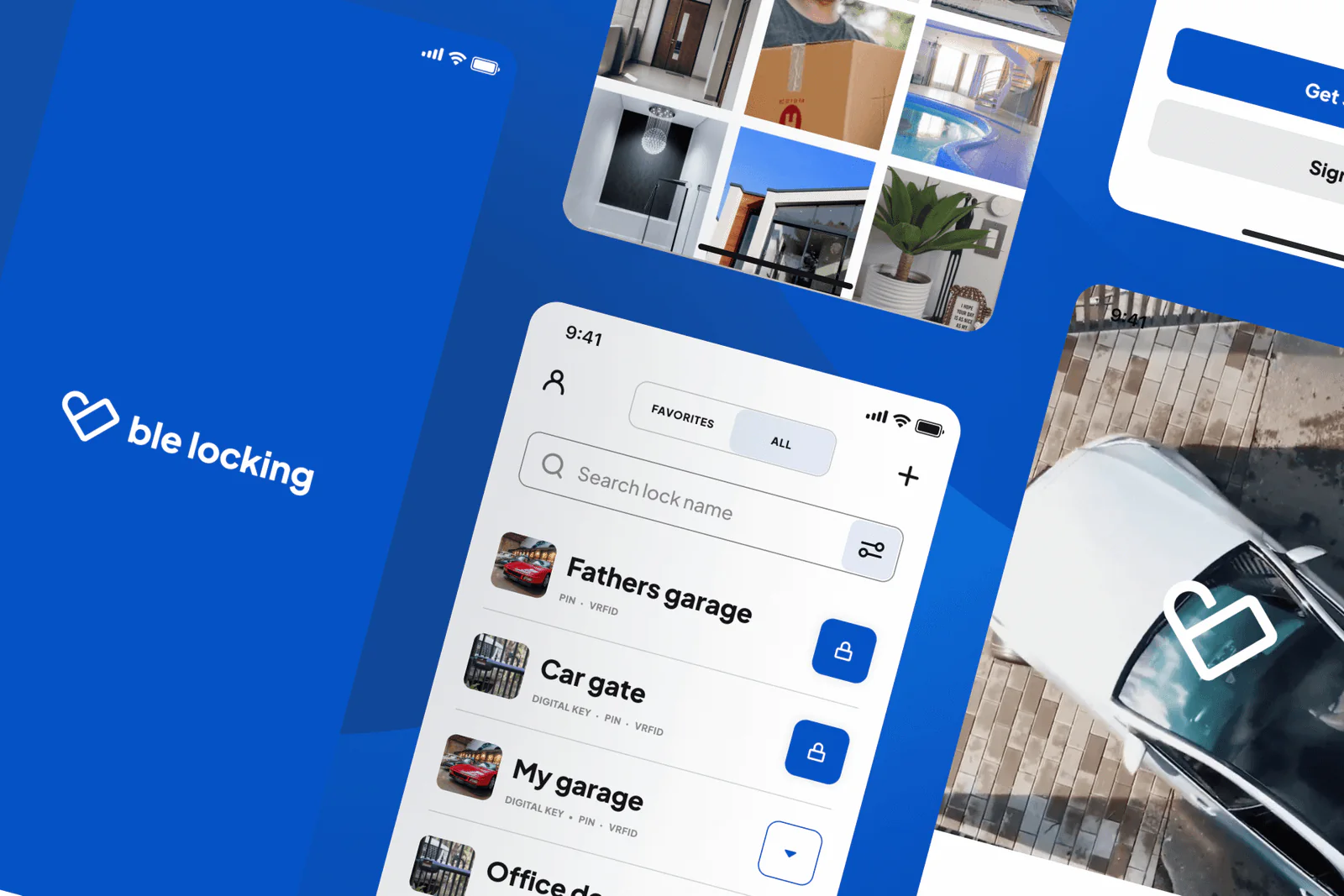
Overview
BLE Locking is a smart digital key startup based in Tallinn, Estonia.
I worked across the whole product: a new design system, a design workflow built around the team's needs, new product features — and clear, good‑looking marketing materials.
Web dashboard
I refined the experience, revamped the interface and introduced new features to the BLE Locking dashboard — a web admin portal that makes daily access management simple, down to bulk operations like sharing many accesses at once.
- Company profiles for several account owners and admins
- Bulk actions and a configurable dashboard
- Built-in payment service
Admins & access
Make users admins to help share keys. The home screen keeps the key pool, key statistics and admins in one view, and every device lists its people with their roles and access types.
Activity log
Usage logs for every lock in one place — who did what, on which device, and when.
iOS & Android apps
A fresh UI/UX for the BLE Locking mobile app on iOS and Android, shaped by rigorous user testing and A/B testing.
Keys on the phone
Keys are stored securely on the phone, so people operate doors right from the app.
- Unlock doors
- Share unlimited, time-limited or limited access
- Revoke access easily
- View access logs
orkun@buran:~$ contact --now
Let's get in sync.
Bring the intent. I'll take it from prompt to production — with you in the loop.